









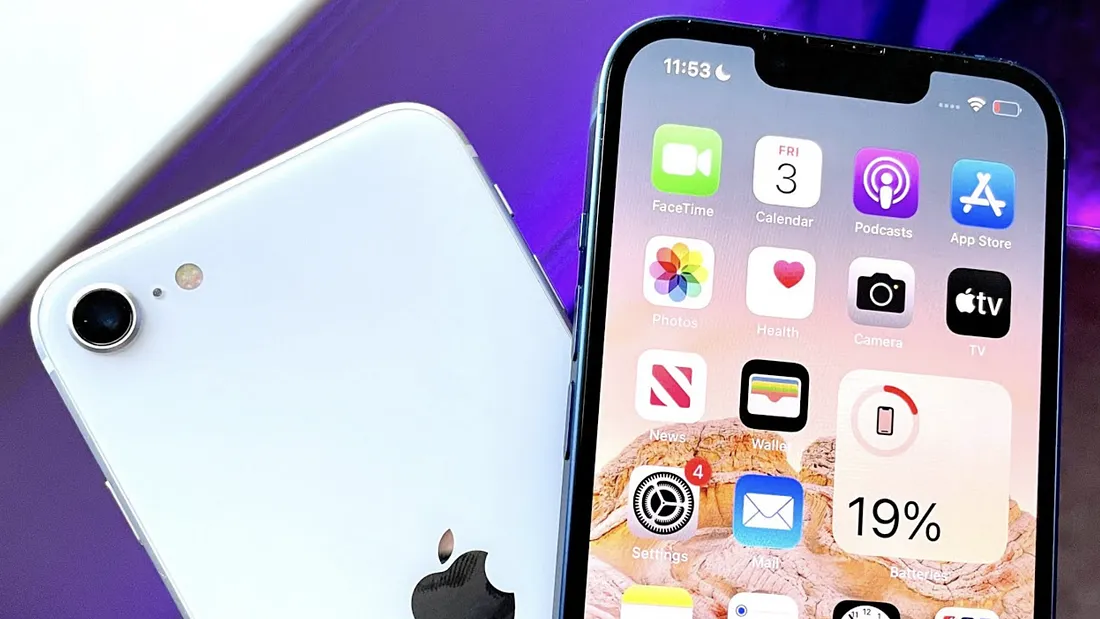
Your iPhone is packed with intelligent tools designed to make everyday tasks faster, smoother, and more enjoyable. While most users rely on familiar features like Face ID, the App Store, and Siri, Apple quietly hides dozens of smart tricks beneath the surface. These lesser-known features can transform how you navigate, communicate, and stay organized—once you know where to find them.
Let’s uncover powerful iPhone features that can instantly elevate your daily experience.
1. Back Tap Shortcuts for Instant Actions
One of the most surprising iPhone features is Back Tap. By tapping the back of your phone two or three times, you can trigger actions like taking a screenshot, opening the camera, or launching a favorite app. It’s perfect for one-handed use and saves valuable time during busy moments. Once enabled, it quickly becomes second nature.

2. Live Text Beyond Photos
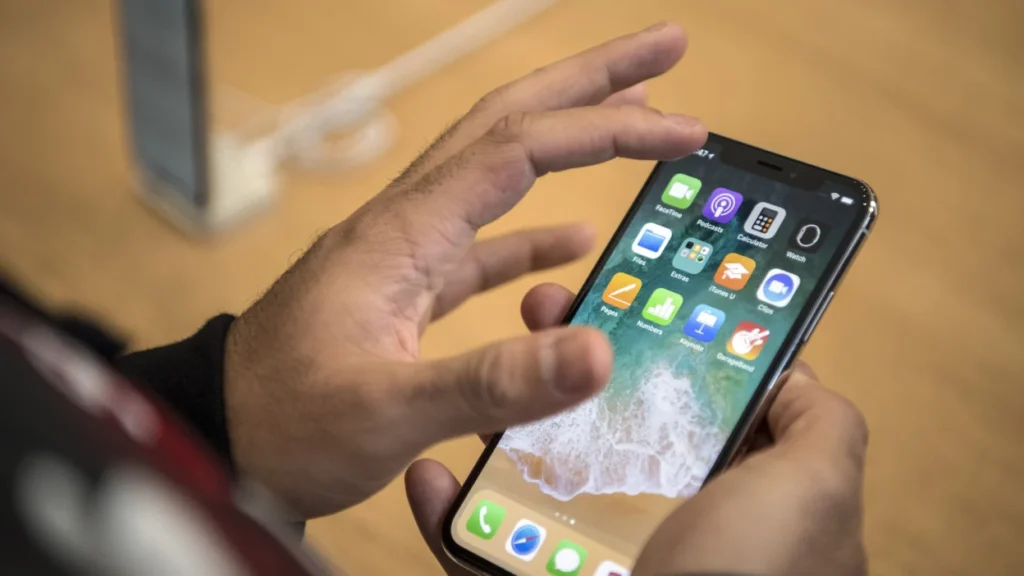
Live Text isn’t just for copying text from images in your gallery. You can use it directly from your camera to copy phone numbers, addresses, or even track shipments in real time. It also works in screenshots and saved documents, making it an incredibly powerful tool for multitasking and productivity.
3. Customize App Icons Without Extra Apps
Your Home Screen doesn’t have to look like everyone else’s. Apple allows subtle customization using built-in tools that let you change app icons and organize widgets for a more personalized look. With a little creativity, you can create a clean, minimalist aesthetic or a colorful layout that matches your style—no third-party apps required.
4. Hidden Trackpad Mode for Faster Typing
Editing text on an iPhone can be frustrating—unless you know about trackpad mode. Simply press and hold the spacebar on your keyboard to turn it into a trackpad. This lets you move the cursor precisely, making editing messages, emails, or notes much easier and faster.
5. Silence Unknown Callers Automatically
Tired of spam calls interrupting your day? iPhone can automatically silence calls from unknown numbers while still allowing important calls through. These calls go straight to voicemail and appear in your call history without disturbing you. It’s a simple way to maintain focus and reduce unnecessary interruptions.
6. Measure Real-World Objects Instantly
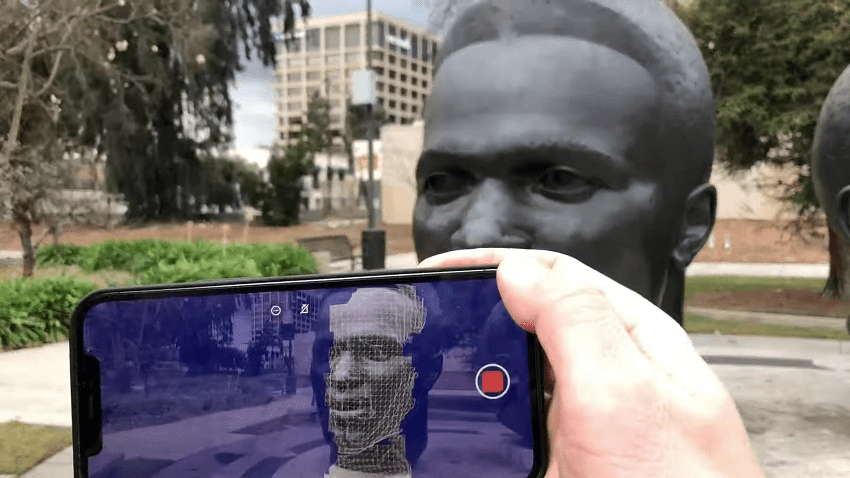
Your iPhone doubles as a measuring tool using augmented reality. With the built-in Measure app, you can quickly check the length or height of objects around you. It’s especially useful for home projects, furniture shopping, or quick estimates when you don’t have a measuring tape nearby.
7. Automate Daily Tasks With Shortcuts
The Shortcuts app is one of the most powerful tools on your iPhone, yet many users overlook it. You can automate tasks like sending a text when you arrive home, turning on Low Power Mode at a certain battery level, or switching settings based on location. Once set up, these automations quietly work in the background, saving time every day.
8. Scan Documents Like a Pro
Your iPhone can replace a scanner. Using the Notes app, you can scan documents, receipts, and handwritten notes with impressive clarity. The app automatically detects edges, corrects perspective, and enhances readability, making it ideal for both work and personal use.
9. Control Privacy at a Deeper Level
Apple places strong emphasis on privacy, and your iPhone gives you detailed control over which apps access your data. You can limit photo access, restrict location sharing, and see which apps have recently used your camera or microphone. These settings help you stay informed and in control without sacrificing convenience.

Final Thoughts
Your iPhone is far more capable than it appears at first glance. By exploring these hidden features, you can streamline tasks, personalize your device, and protect your privacy more effectively. Apple designs its technology to work quietly in the background—but once you unlock these tools, your iPhone becomes smarter, faster, and more intuitive.
Sometimes, the biggest upgrades don’t come from new devices, but from learning how to use what you already have.


